Best Printer for a Home Office:
Rated & Ranked by True Running Cost
We evaluated 15 home-office printers across six weighted categories — and we weighted the one almost nobody measures rigorously the highest: cost per page. A printer’s sticker price is paid once; its ink or toner is paid for years. Every score below is derived from manufacturer specifications and cost-per-page figures we calculate ourselves, not brand preference, spanning refillable ink-tank all-in-ones, color and monochrome lasers, and traditional cartridge inkjets.
Product links are Amazon affiliate links — purchases support this site at no cost to you.
The ranking below uses our recommended weights — the balance of factors we believe matters most for a typical home office. If your priorities differ, switch to Customize Weights and re-rank the table around what you care about.
Best for Your Situation
The cheapest printer to buy is rarely the cheapest to own, and the right machine depends on what — and how much — you print. Start with these picks, then dig into the full table and the cost calculator below.
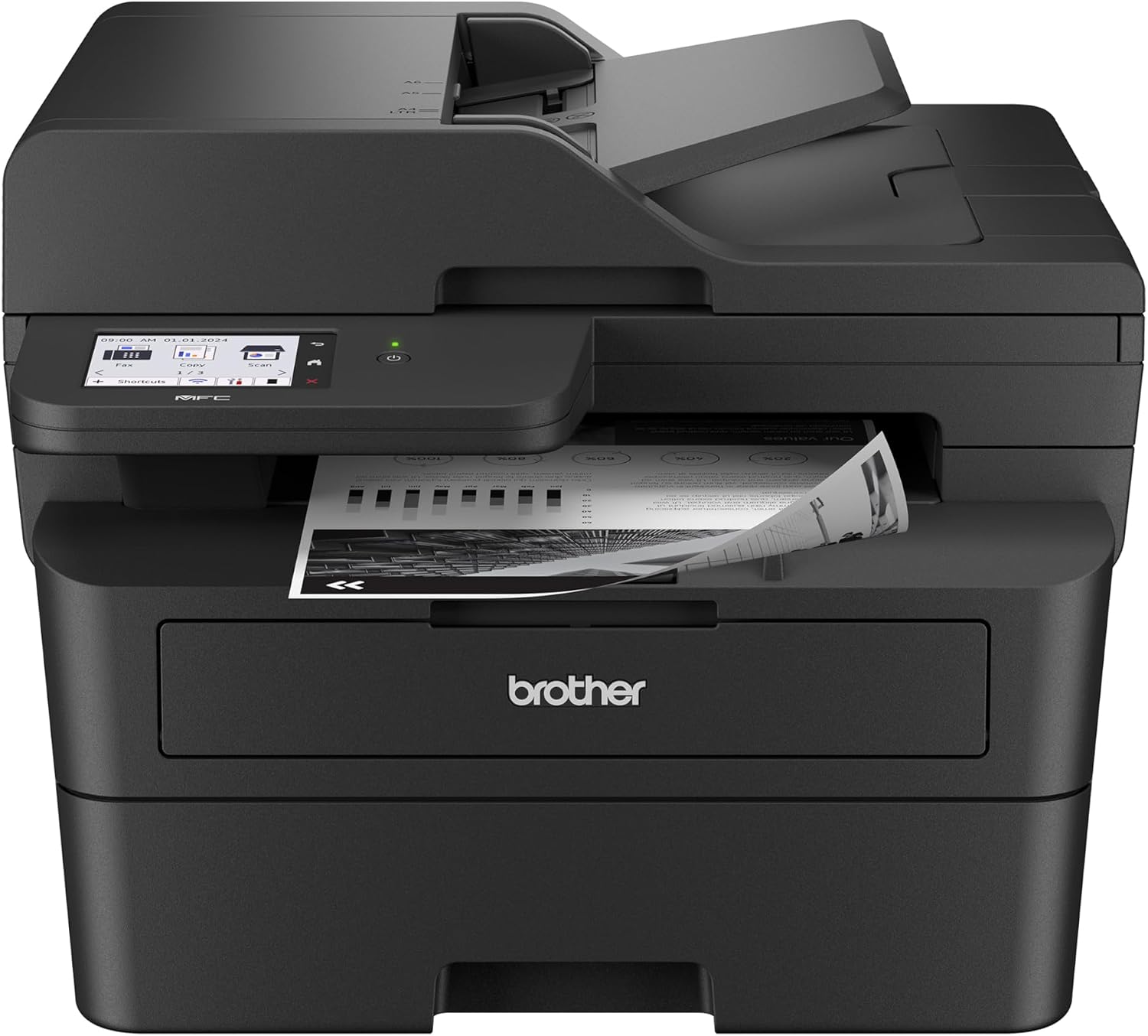
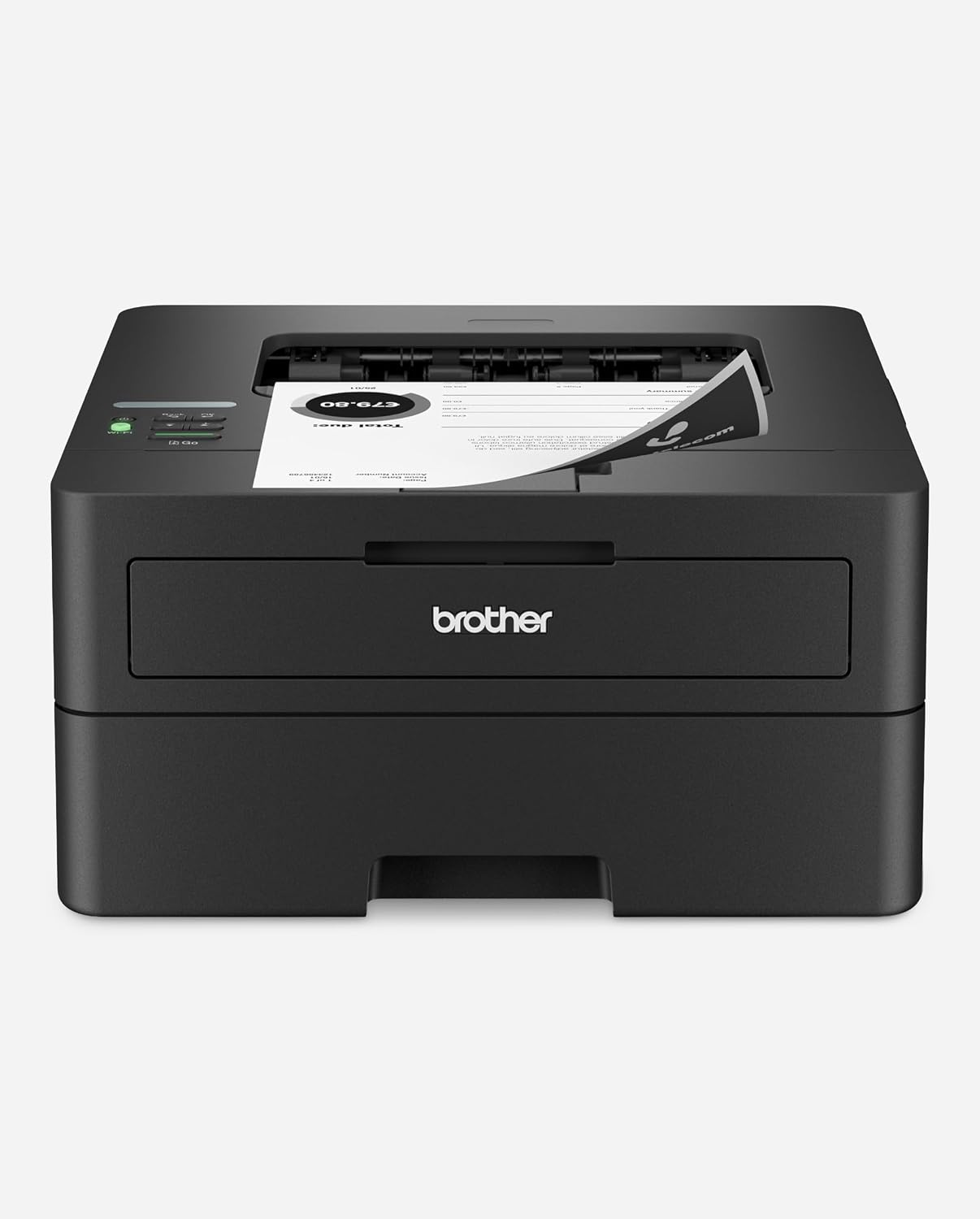
Full Comparison — Ranked by Score Within Tier
Printers are grouped by ink technology — the factor that drives running cost — and ranked by score within each group. The score column is the directly comparable number across the whole table: it’s why a low-cost monochrome laser can outscore a color laser or a cartridge inkjet, since cost-per-page is weighted highest. Choose the tier by the capability you need (color, photo, or all-in-one convenience), then pick the highest-scoring model in it.
| # | Product | Score | Type | Speed ? | Black ¢/pg ? | Color ¢/pg ? | Supplies ? |
|---|---|---|---|---|---|---|---|
| ▸ Ink-Tank All-in-One — refillable supertanks; the lowest cost-per-page and the most #1 contention | |||||||
| 1 |
|
8.70/10 |
Ink-Tank | 18 / 9 ppm | 0.29¢ | 1.08¢ | Refillable tank |
| 2 |
|
8.30/10 |
Ink-Tank · Photo | 16 / 12 ppm | 0.36¢ | 1.42¢ | Refillable tank |
| 3 |
|
8.25/10 |
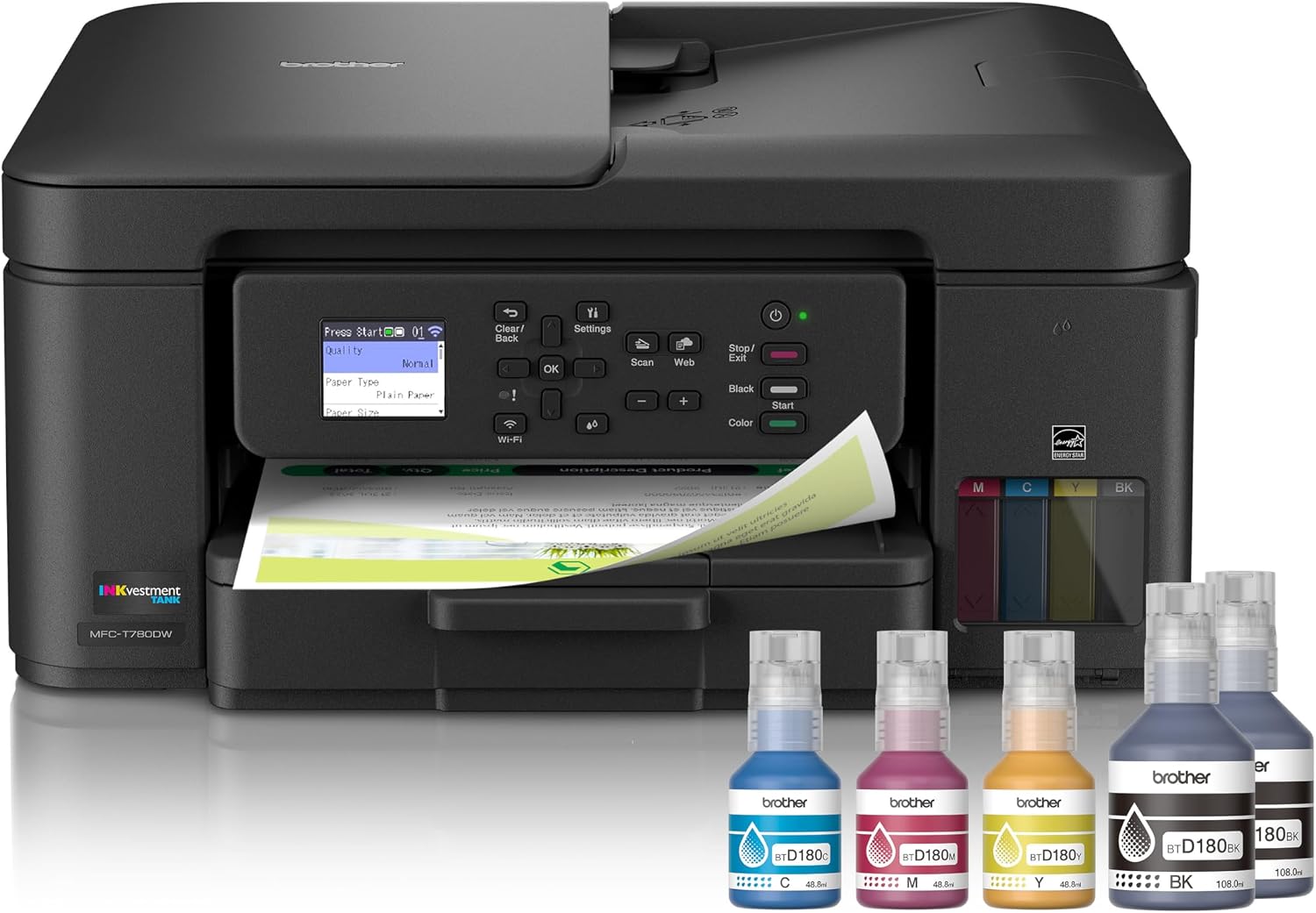
Ink-Tank | 16 / 15.5 ppm | 0.29¢ | 1.03¢ | Refillable tank |
| 4 |
|
8.05/10 |
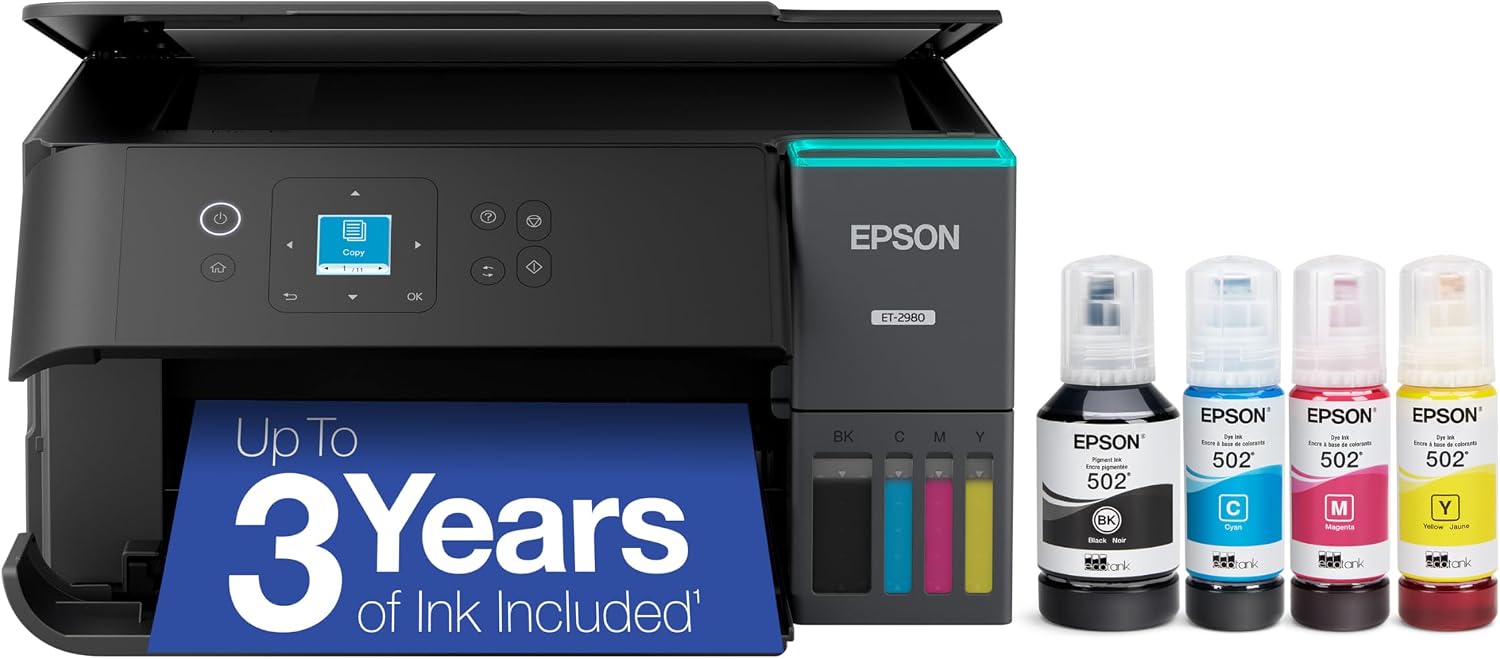
Ink-Tank | 15 / 8 ppm | 0.29¢ | 1.08¢ | Refillable tank |
| 5 |
|
8.00/10 |
Ink-Tank | 11 / 6 ppm | 0.40¢ | 0.98¢ | Refillable tank |
| 6 |
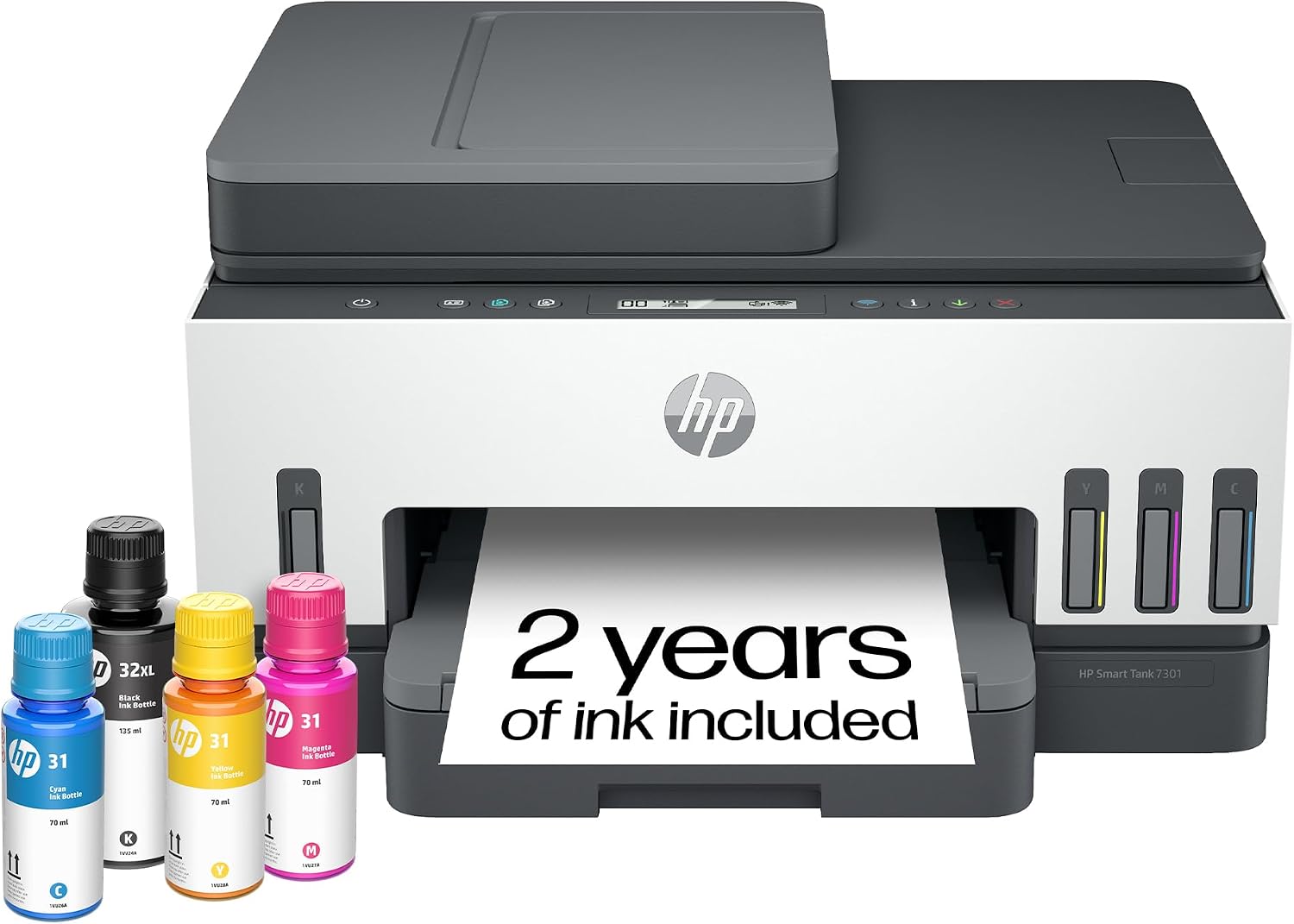
|
7.95/10 |
Ink-Tank | 15 / 9 ppm | 0.40¢ | 1.22¢ | Refillable tank |
| ▸ Color Laser — fast, sharp text and durable color documents at volume | |||||||
| 7 |
|
7.85/10 |
Color Laser | 31 ppm | 5.53¢ | 23.70¢ | Toner cartridges |
| 8 |
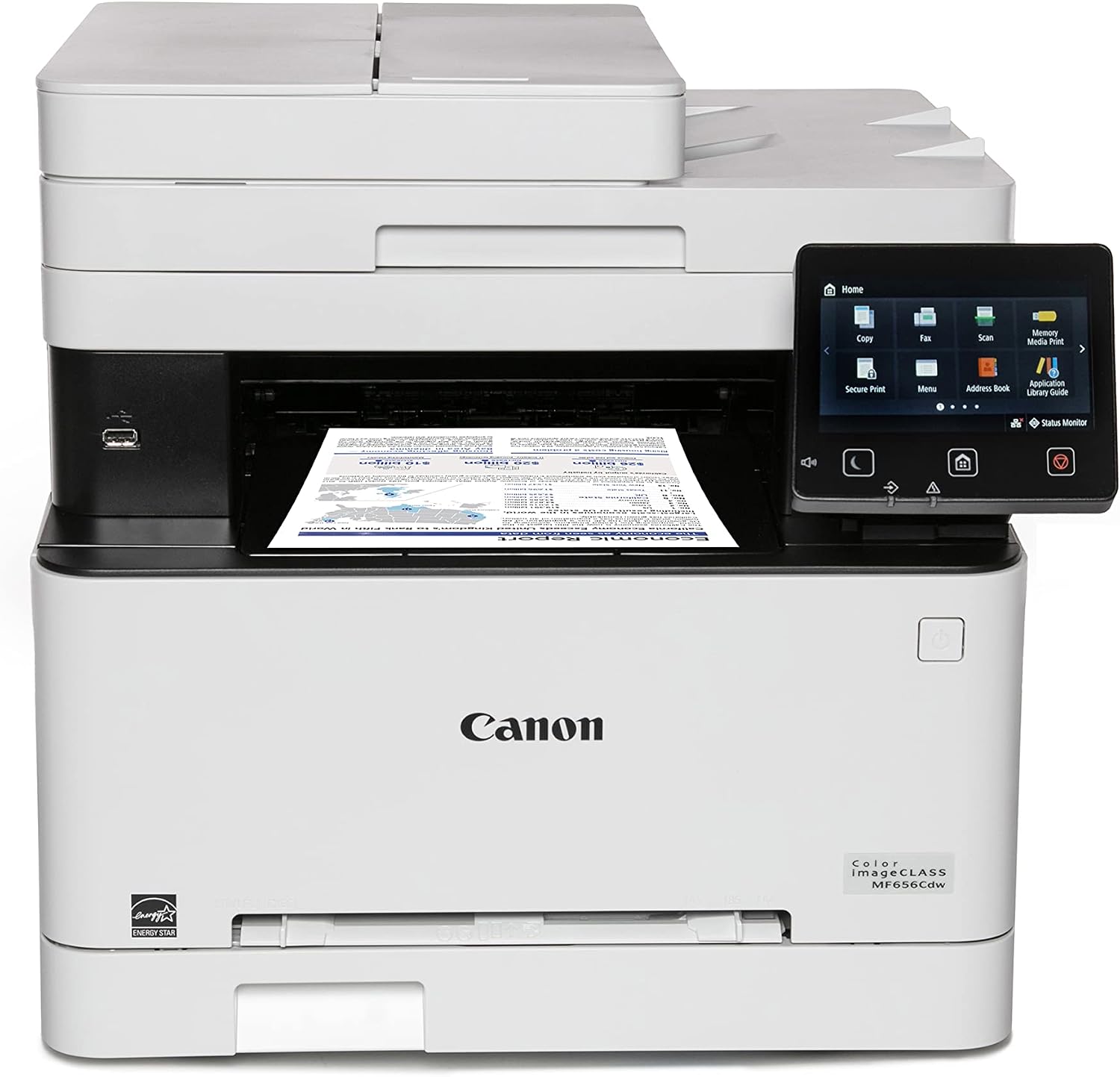
|
7.70/10 |
Color Laser | 22 / 22 ppm | 5.85¢ | 28.65¢ | Toner cartridges |
| 9 |
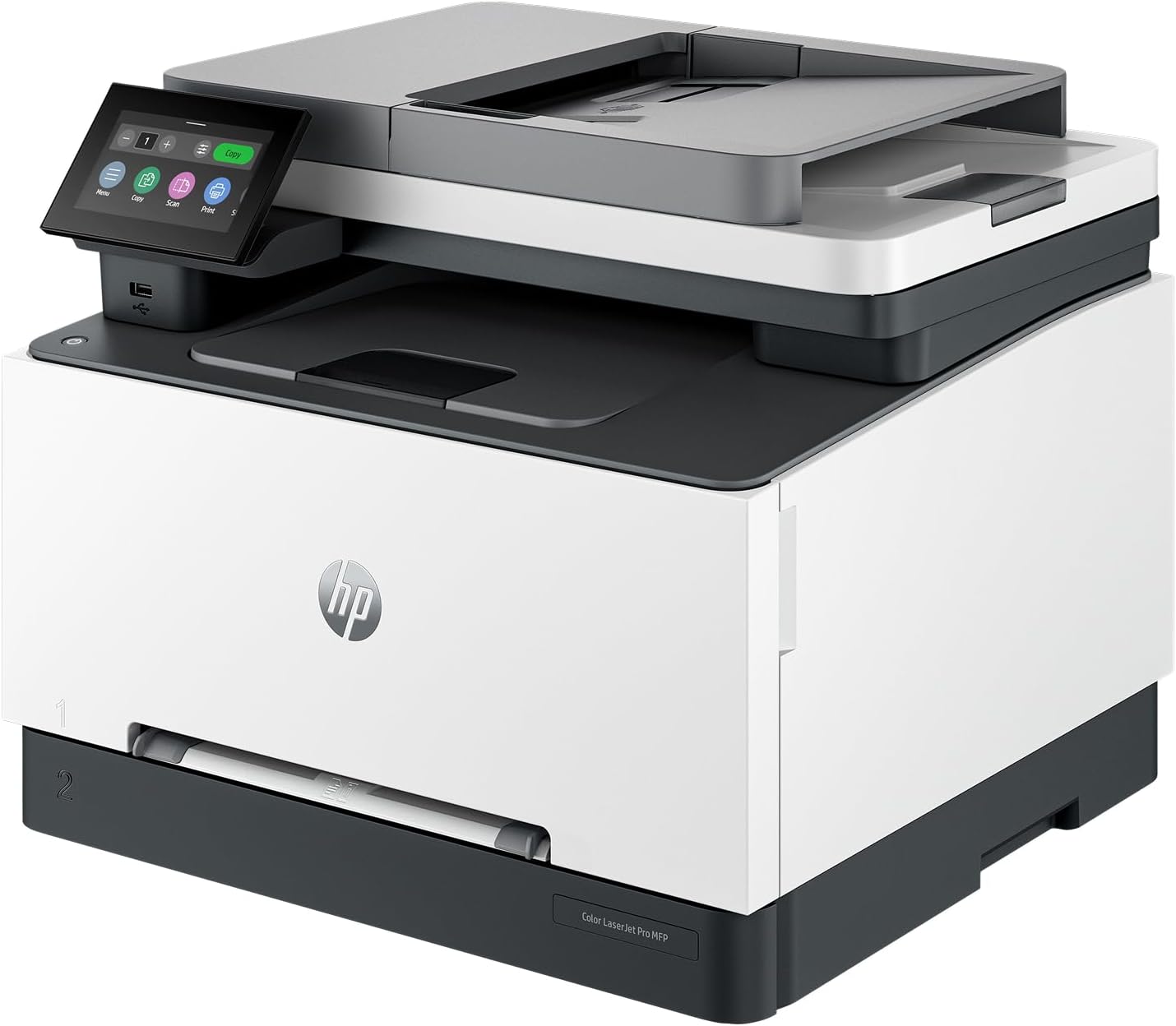
|
7.40/10 |
Color Laser | 26 ppm | 6.07¢ | 30.95¢ | Toner cartridges |
| ▸ Monochrome Laser — the cheapest text printing; black-and-white only | |||||||
| 10 |
|
7.80/10 |
Mono Laser | 36 ppm | 5.08¢ | — | Toner cartridges |
| 11 |
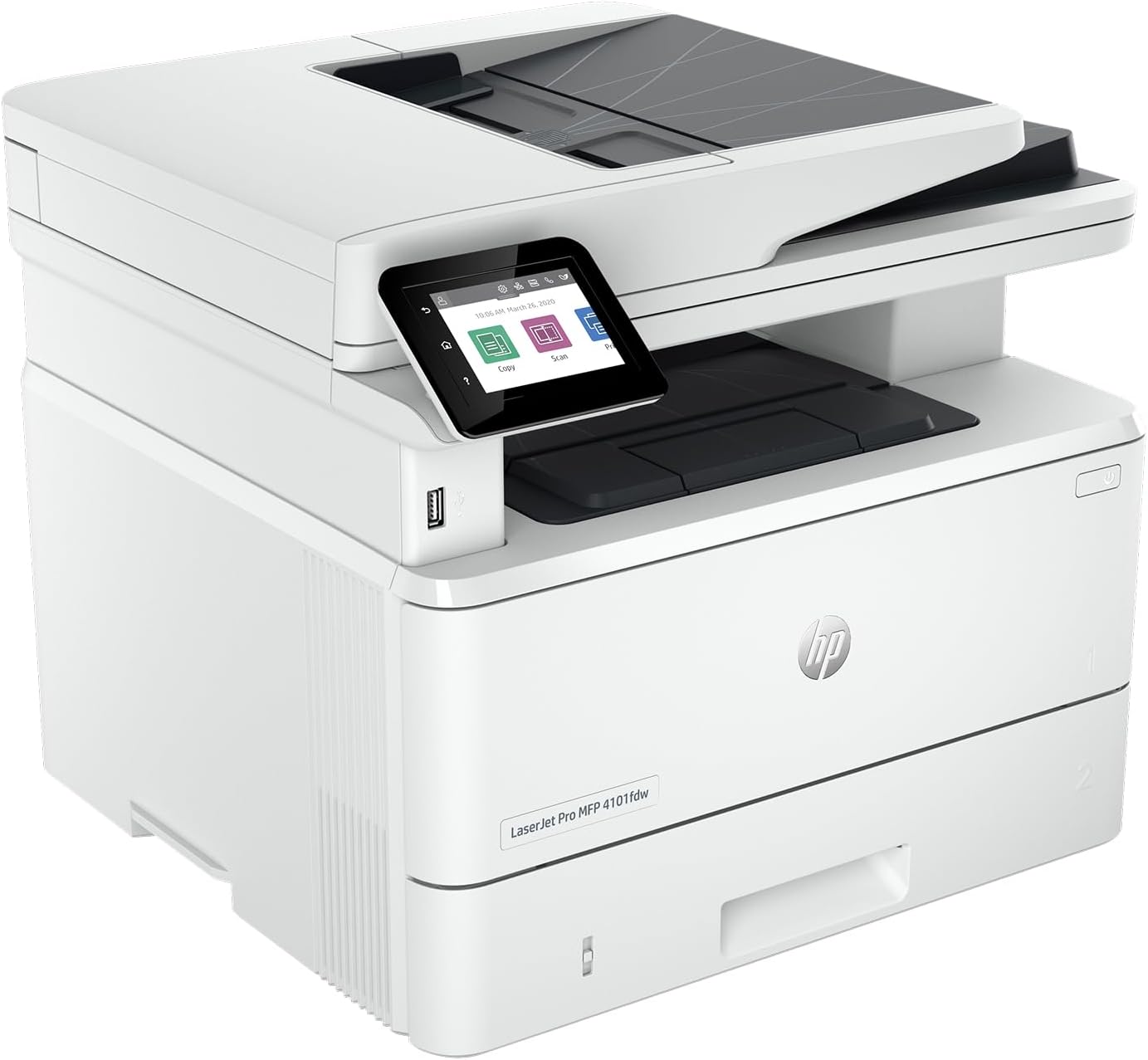
|
7.75/10 |
Mono Laser | 42 ppm | 4.86¢ | — | Toner cartridges |
| 12 |
|
7.30/10 |
Mono Laser · single-function | 36 ppm | 5.08¢ | — | Toner cartridges |
| ▸ Cartridge Inkjet All-in-One — cheapest to buy, most versatile, but the highest running cost | |||||||
| 13 |
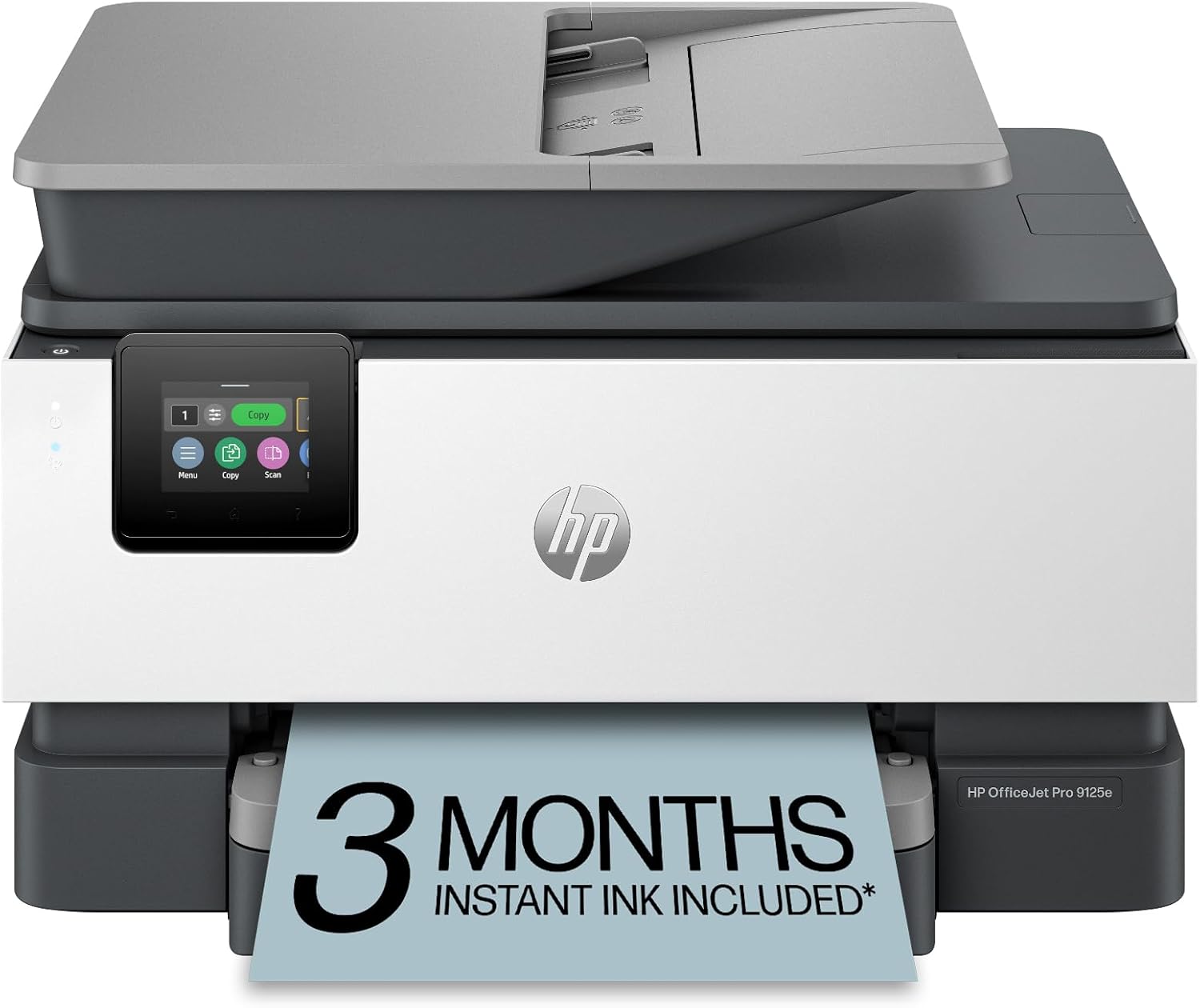
|
6.95/10 |
Cartridge Inkjet | 22 / 18 ppm | 3.99¢ | 15.99¢ | Ink cartridges |
| 14 |
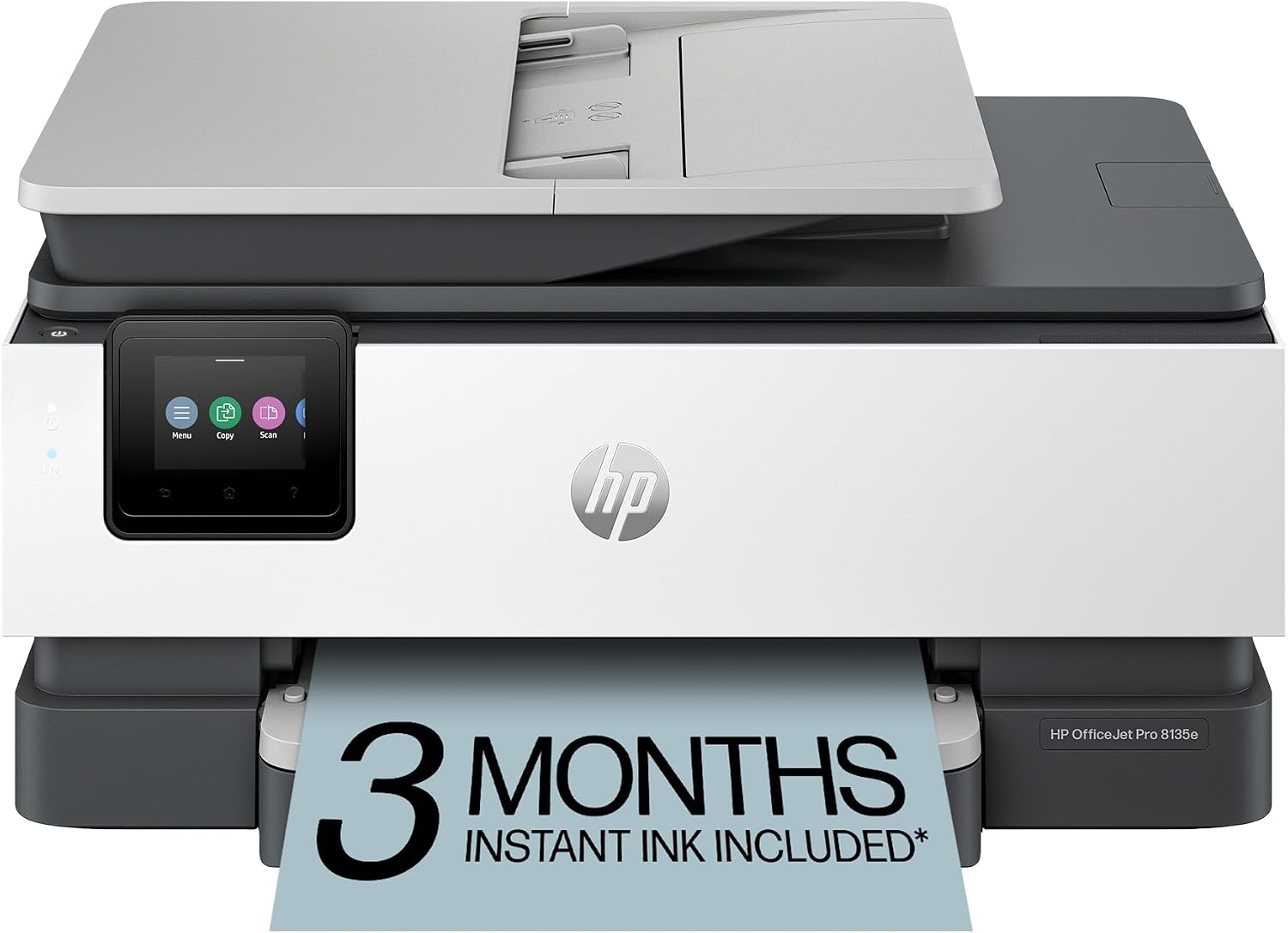
|
6.60/10 |
Cartridge Inkjet | 20 / 10 ppm | 7.38¢ | 22.17¢ | Ink cartridges |
| 15 |
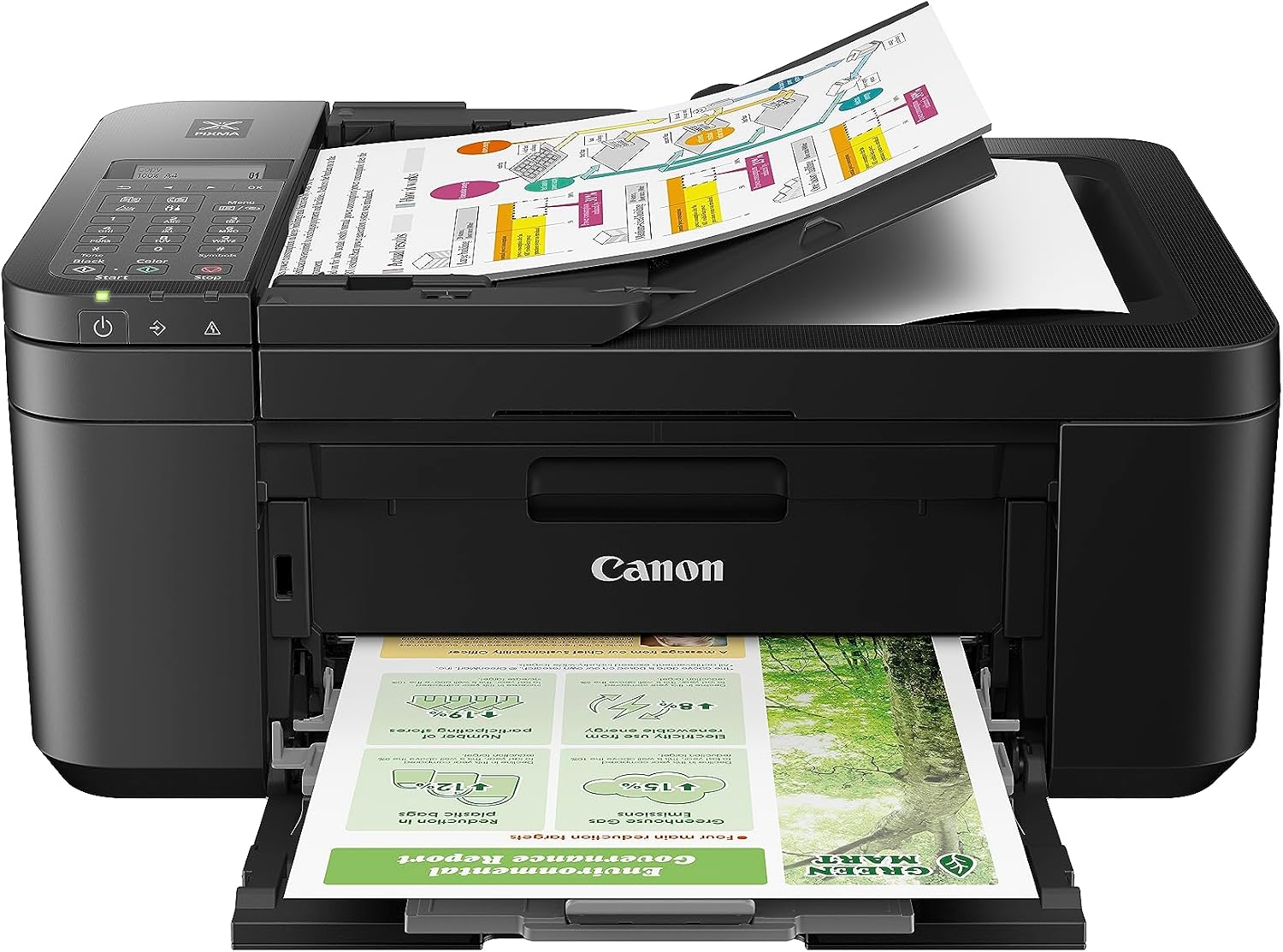
|
5.70/10 |
Cartridge Inkjet · budget | 8.8 / 4.4 ppm | 18.99¢ | 41.99¢ | Ink cartridges |
Cost-per-page figures are calculated from OEM supply prices divided by the manufacturer’s published ISO page yields, with the colour figure including the black ink an ISO colour page uses. Standard-yield supplies are shown; high-yield cartridges and refillable tanks lower these further. Monochrome lasers print black only (—). Rated yields are a best case — real-world use costs more, especially on small cartridges. Verify current supply prices before purchasing.
Cost-Per-Page Calculator — What Will It Actually Cost You?
The sticker price is a one-time number; supplies are forever. Enter how many pages you print in a typical month and see the estimated annual ink or toner cost for every printer in this guide, ranked cheapest first. This is where ink-tank printers pull away from cartridge models.
Estimate your annual supply cost
Based on OEM cost-per-page at rated yields. Monochrome lasers ignore the color figure (they print black only). Results are estimates for comparison, not quotes.
Typical home office: 200–500 black pages and 20–100 color pages per month.
Estimated annual cost = 12 × (black pages × black ¢/page + color pages × color ¢/page). Figures use OEM supplies at manufacturer-rated yields; your real cost depends on coverage, current supply prices, and whether you buy standard or high-yield supplies. Asterisked models use a representative estimate we are finalizing. This tool is for comparison only.
How We Score
Weighted Scoring Framework — All Scores 0–10
Key Considerations When Choosing a Home-Office Printer
Why Cost-Per-Page Matters More Than the Sticker Price
The single most expensive mistake in printer shopping is buying on the purchase price. A $90 cartridge inkjet can cost more over two years than a $400 ink-tank printer, because the cheap machine is sold at a loss and the money is recovered on ink. The number that actually determines what a printer costs you is cost-per-page — the price of the ink or toner used to print one page — and it varies by more than twenty-fold across the printers in this guide, from roughly a third of a cent on a refillable tank to well over forty cents for a color laser page.
That’s why we weight running cost the highest. For a household printing a few hundred pages a month, the gap between a half-cent page and a six-cent page is the difference between spending tens of dollars a year on supplies and hundreds. Use the calculator above with your own monthly volume — the ranking it produces is often the opposite of the price-tag ranking, and it’s the one that matters once the printer is on your desk.
Bottom line: Decide based on cost-per-page and your monthly volume, not the purchase price. The cheapest printer to buy is frequently the most expensive to own.
Ink-Tank vs. Laser vs. Cartridge Inkjet — Which Technology Fits You
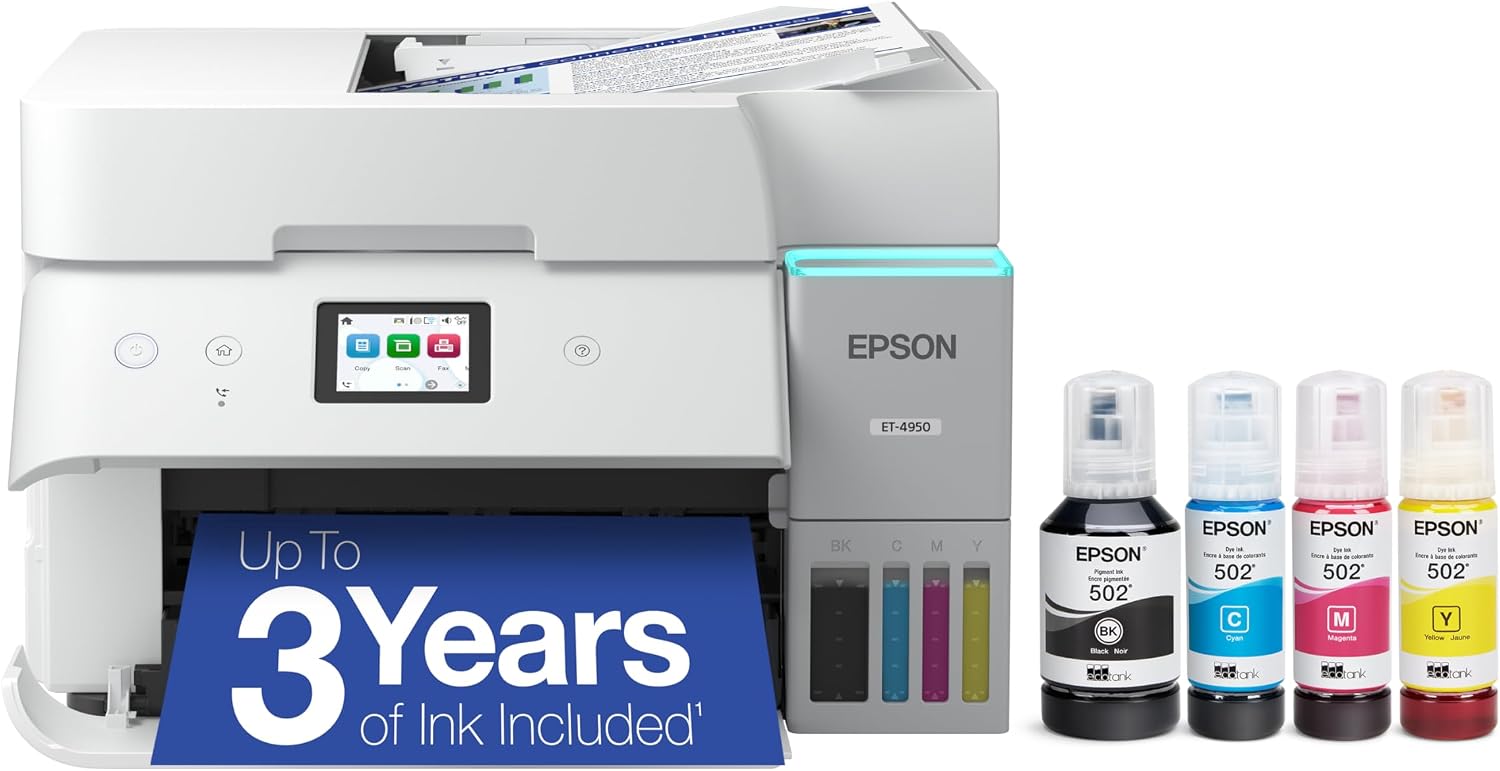
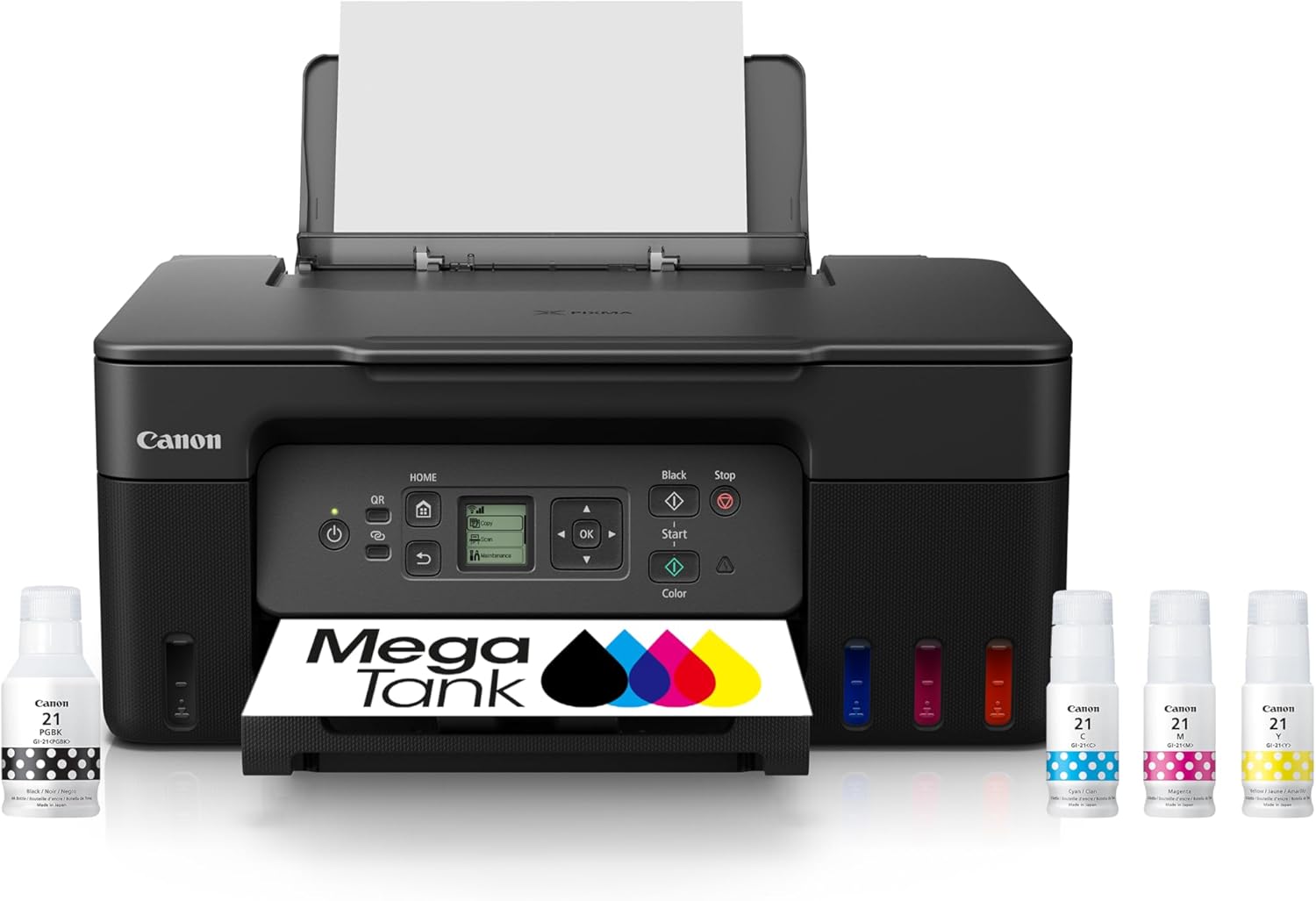
The four tiers in our table are really four answers to “how do you want to pay for pages.” An ink-tank all-in-one (Epson EcoTank, Canon MegaTank, HP Smart Tank) replaces cartridges with refillable reservoirs you top up from cheap bottles; the printer costs more up front but the per-page cost collapses, which is why tanks dominate the top of our ranking for anyone with steady volume. A monochrome laser is the specialist for text: fast, sharp, and very cheap per black page, but black-and-white only. A color laser prints durable, smudge-proof color documents quickly and is built for higher volumes, though color toner pages are expensive. A cartridge inkjet is the cheapest to buy and the most versatile — photos, color, compact size — but has the highest running cost and is best for light, occasional use.
Match the technology to your pattern. Print a lot, mostly documents, want the lowest lifetime cost? An ink tank. Print mostly text in volume? A mono laser. Need fast, frequent color documents? A color laser. Print rarely and want low upfront cost and photo flexibility? A cartridge inkjet — just go in knowing the ink is where you’ll pay.
Bottom line: Ink tanks win on lifetime cost for steady volume; mono lasers for cheap text; color lasers for fast color documents; cartridge inkjets for low upfront cost and light, versatile use.
Reading the Running-Cost Specs — Yields, High-Yield Supplies & Duty Cycle
Cost-per-page is built from two manufacturer numbers: the page yield of a cartridge or bottle (how many pages it’s rated to print, at 5% coverage by the ISO standard) and the price of that supply. Divide price by yield and you get cents per page. The catch is that the same printer usually offers standard and high-yield supplies, and the high-yield version almost always costs much less per page — a Brother TN830XL prints roughly 3,000 pages versus 1,200 for the standard, at a far lower cost per page. Our figures use OEM supplies; buying high-yield is the easiest way to beat them.
Two more specs are worth a glance. Duty cycle is the maximum pages per month a printer can handle — exceed it routinely and reliability suffers, so a heavy user should pick a machine with comfortable headroom. And remember that the rated yield assumes 5% coverage (a typical text page); dense pages, graphics, and photos use far more ink or toner, so your real cost runs above the rating if you print heavy pages.
Bottom line: Cost-per-page = supply price ÷ rated yield. Choose high-yield supplies to lower it, mind the duty cycle for heavy use, and expect real costs above the rating on graphics-heavy pages.
Supplies, Subscriptions & Third-Party Ink — What to Know
How a printer handles supplies is part of its running cost, and the practices differ by brand. Refillable tank systems use inexpensive bottles and place no restriction on refilling, which is a large part of why they’re the cheapest to run. Cartridge and toner systems are replaced as sealed units, and here the details matter: some manufacturers offer ink-subscription programs that can lower cost for the right volume but add a recurring charge, and some use firmware that affects third-party supplies.
One documented, brand-specific point worth stating plainly: HP printers use a firmware feature HP calls Dynamic Security that can prevent the use of non-HP cartridges on models made after December 1, 2016. We note this on the relevant HP cartridge and toner models because it bears on supply flexibility; it does not apply to HP’s refillable Smart Tank bottle system. Across all brands, third-party and remanufactured supplies exist and are usually cheaper, but compatibility and quality vary — and on cost-per-page we score every printer using its OEM supplies so the comparison stays consistent. This supply-flexibility dimension lives in its own scoring category, separate from the objective cost-per-page figure.
Bottom line: Tanks are the most flexible and cheapest to feed. With cartridge and toner printers, factor in any subscription, check whether high-yield supplies are offered, and note the HP supply-flexibility point above before relying on third-party ink or toner.
Features That Earn Their Keep — Duplex, ADF, Connectivity
Beyond cost and quality, a few features separate a convenient office printer from a frustrating one. Automatic two-sided (duplex) printing halves your paper use and is now standard on most models worth buying. An automatic document feeder (ADF) lets the scanner and copier handle a stack rather than one sheet at a time — essential if you copy or scan multi-page documents, and the main thing the cheapest all-in-ones leave out. Connectivity determines how you print: Wi-Fi and mobile printing are universal now, Ethernet adds a rock-solid wired option for a shared machine, and a touchscreen makes walk-up copying and scanning far easier.
Decide which of these you’ll actually use. A single user printing from one laptop may not need an ADF or Ethernet, while a household or small business that copies forms, scans paperwork, and shares the printer across devices will want the full set. The feature gap is often what separates two otherwise similar printers — and why a bare-bones tank can score below a fully-equipped one despite identical ink economics.
Bottom line: Insist on auto-duplex; add an ADF if you copy or scan multi-page documents; choose Ethernet and a touchscreen for a shared machine. Don’t pay for features you won’t use.
Why We Feature Epson, Canon, HP & Brother
The home and small-office printer market is dominated by four manufacturers that have built and supported printers for decades, and every model in this guide comes from one of them. In a category you depend on — and where supplies are a years-long commitment — the things that matter most are predictable running cost, reliable paper handling, and supplies you can still buy years from now. Each of the four owns a slightly different strength, and we feature and rate specific models on merit across all of them, with no predetermined ceiling for any brand.
Epson — EcoTank
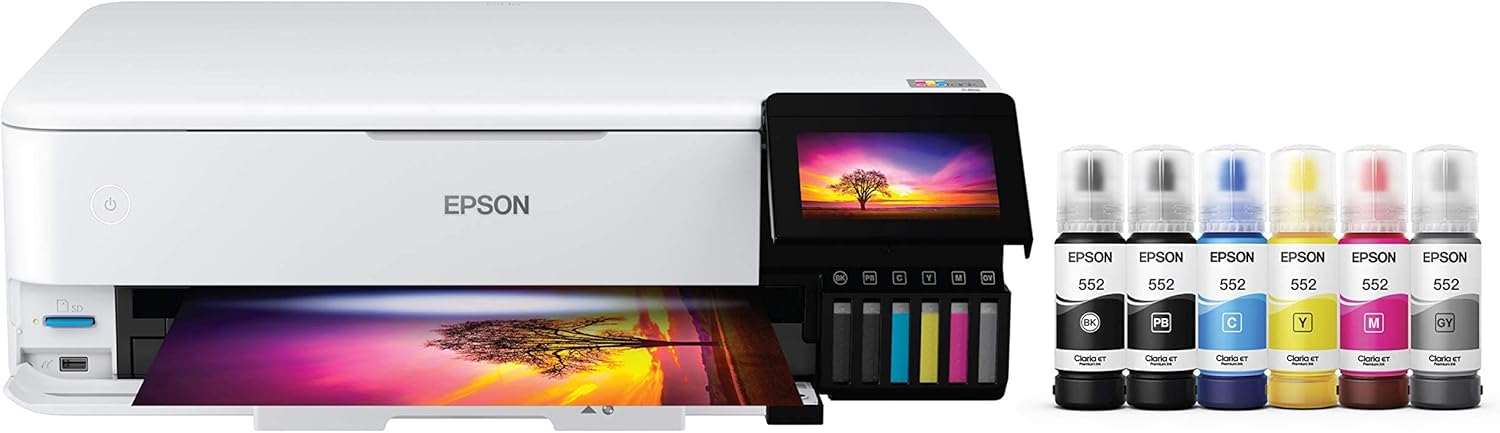
The ink-tank leader. The EcoTank line replaced cartridges with refillable tanks and set the benchmark for low cost-per-page, from the office-focused ET-4950 to the six-color photo ET-8550 and the budget ET-2980. The strongest range of supertank printers for a home office, and the reason Epson tops our overall ranking.
Canon — PIXMA & imageCLASS
Breadth across technologies. Canon’s MegaTank G-series brings tank economics at a low entry price, the PIXMA cartridge models cover compact and photo duty, and the imageCLASS color lasers deliver the best color cost-per-page in their tier with a clean, no-fuss supply approach.
HP — OfficeJet, LaserJet & Smart Tank
The widest lineup, spanning cartridge OfficeJets, mono and color LaserJets, and the refillable Smart Tank. HP’s hardware and software are polished and well-supported; on the cartridge and toner models we note the relevant supply-flexibility considerations where they apply, scored transparently rather than as a brand penalty.
Brother — laser specialists
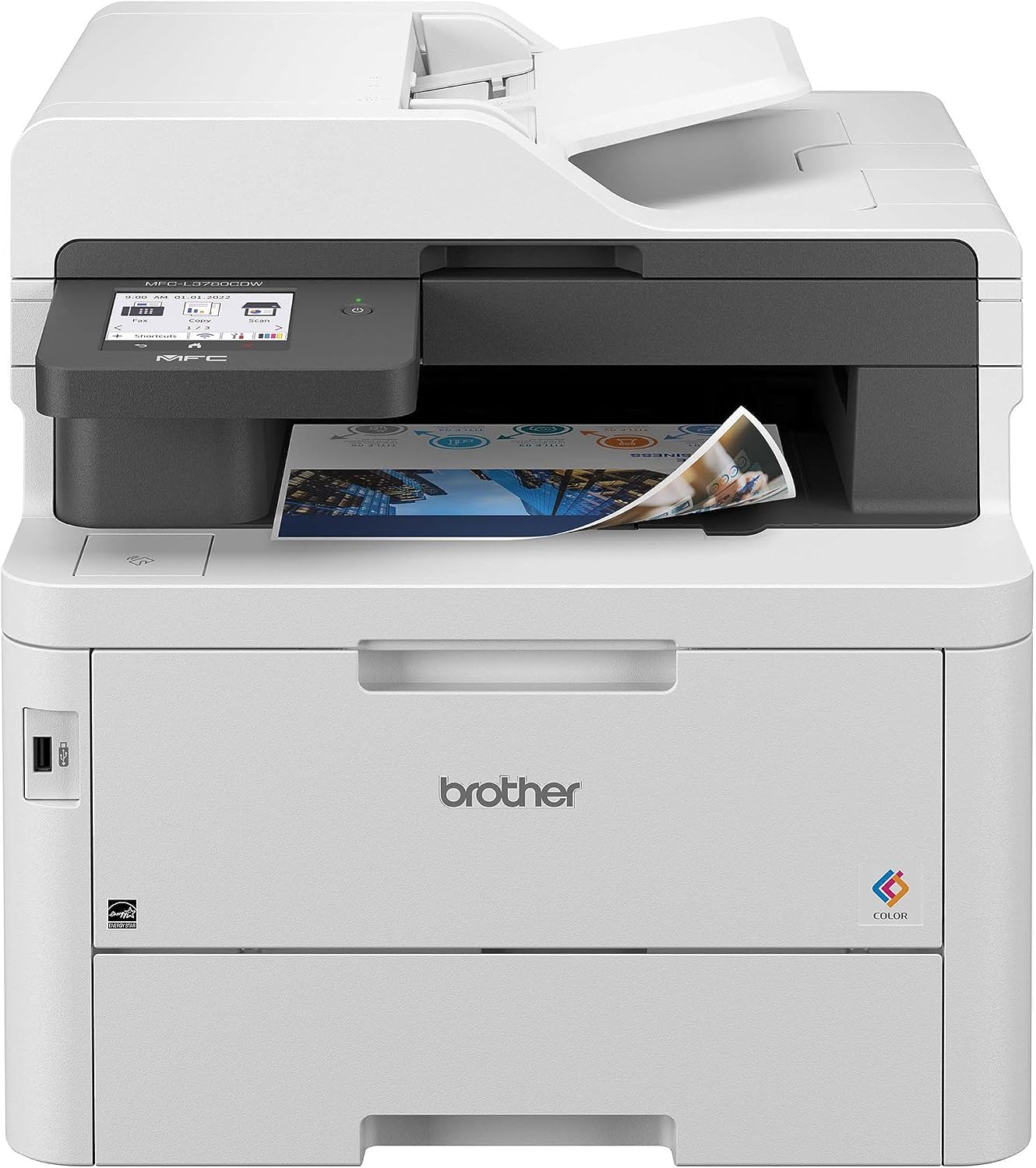
The value leader in laser. Brother’s real strength is affordable, reliable laser printing — fast monochrome workhorses like the HL-L2460DW and MFC-L2900DW with inexpensive high-yield toner, plus capable color laser all-in-ones. The brand to beat when running cost on text is the priority.